
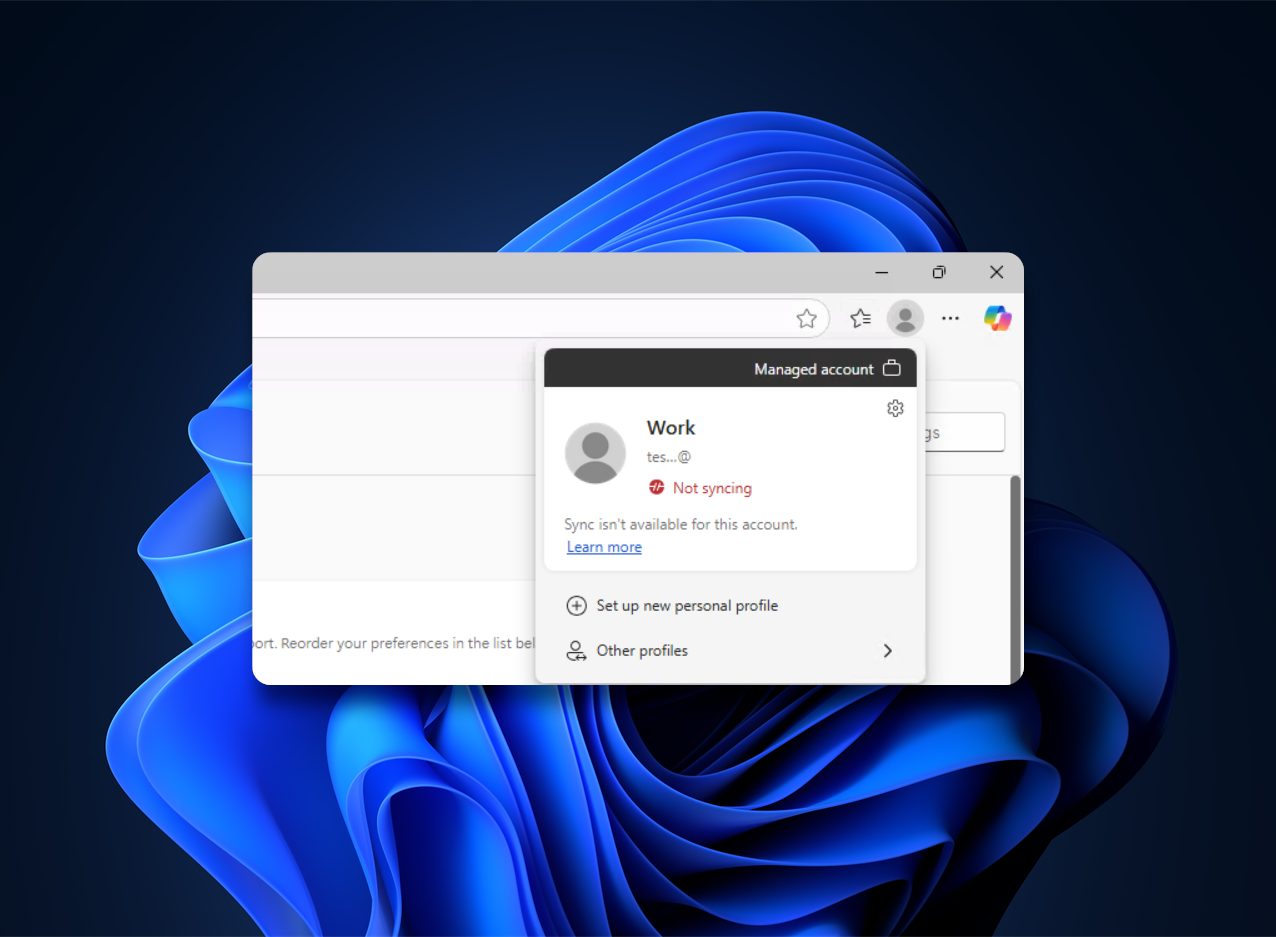
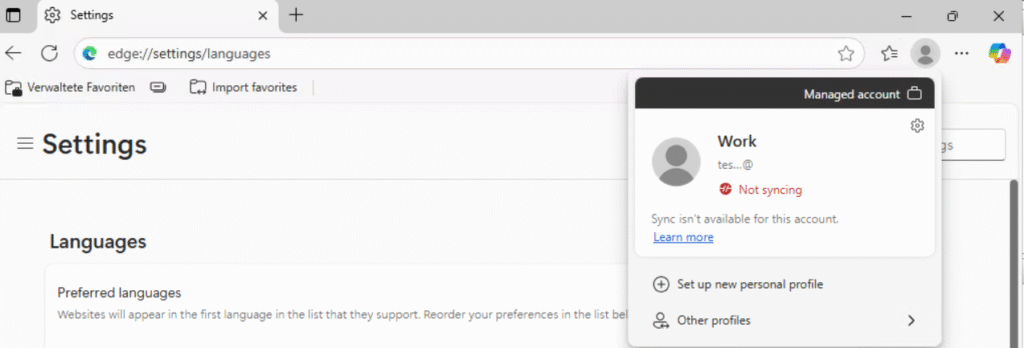
Sometimes we come across customer tenants that haven’t used the Edge sync function. Upon signing in, you’ll see «Not syncing» and «Sync isn’t available for this account».
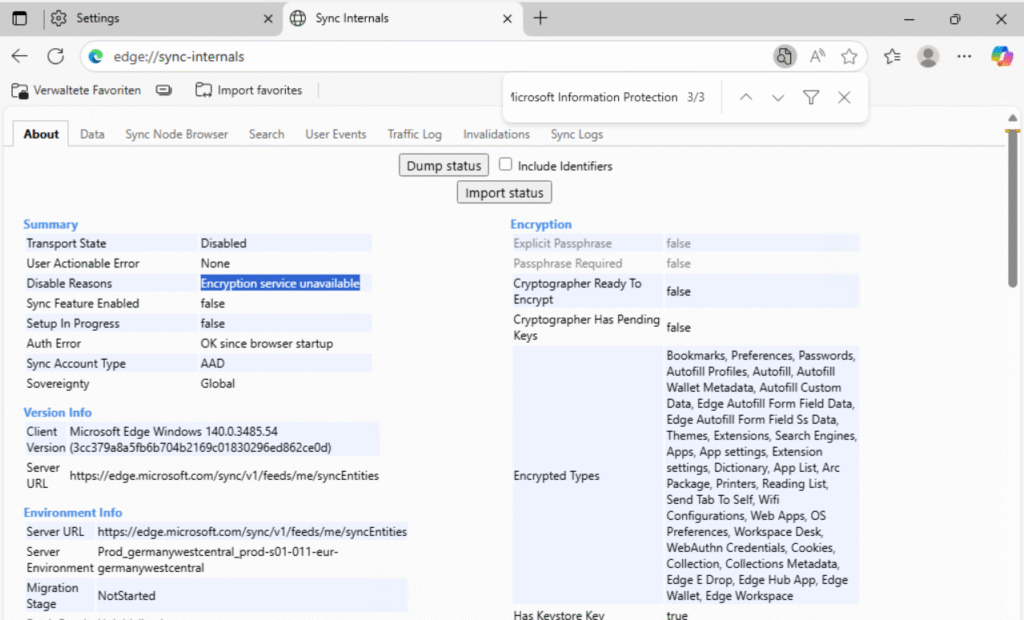
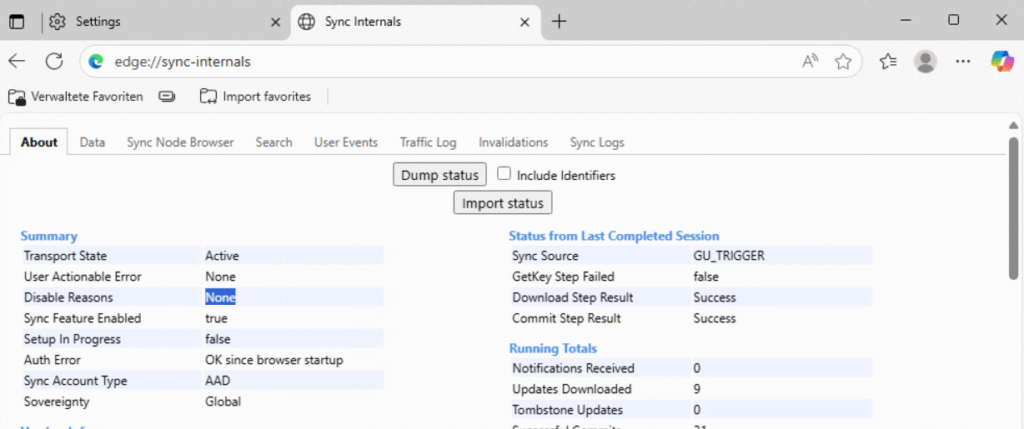
Issues like this can usually be traced with edge://sync-internals. «Disable Reasons» shows «Encryption service unavailable» and the Sync Logs display a warning that Microsoft Information Protection service is disabled.
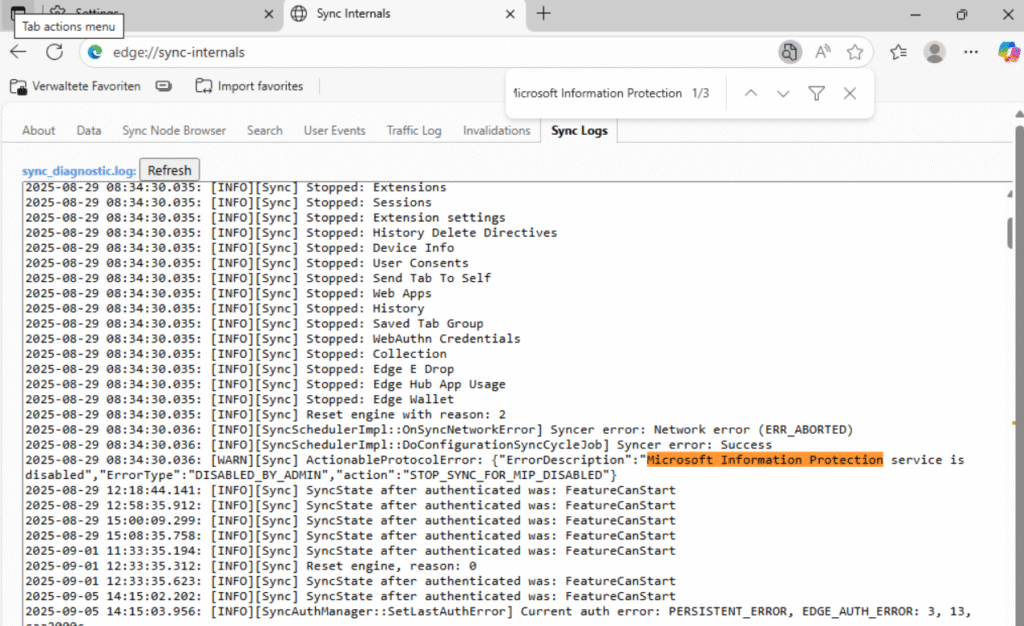
We can check if the corresponding AIPService is disabled and enabled it if necessary. More information about the AIP Module can be found here, AIPService Module | Microsoft Learn. We’ve also seen tenants where the service was enabled but needed to be disabled and then re-enabled to restore functionality.
Install-module AIPService -Scope AllUsers
Connect-AipService
Get-AipService
Enable-AipServiceAfter a few minutes, try signing out and signing back in. Sync should start immediately, sync-internals will reflect this change.
Schreiben Sie einen Kommentar